Features · Version 2.14
Everything you’d ask a web manager to do, done from one chat.
Over 200 WordPress tools, four agent modes, AI buttons on your blocks and integrations for the plugins you already run. Here’s the full tour.
Fullscreen agent
Run the whole site from one conversation
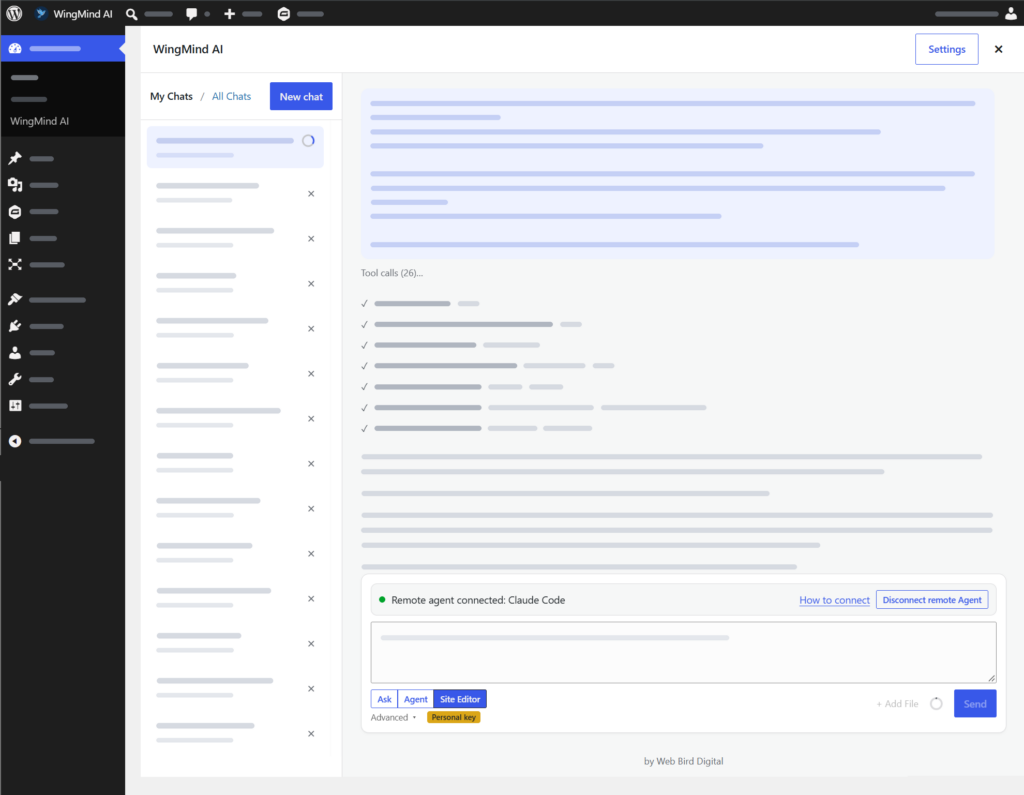
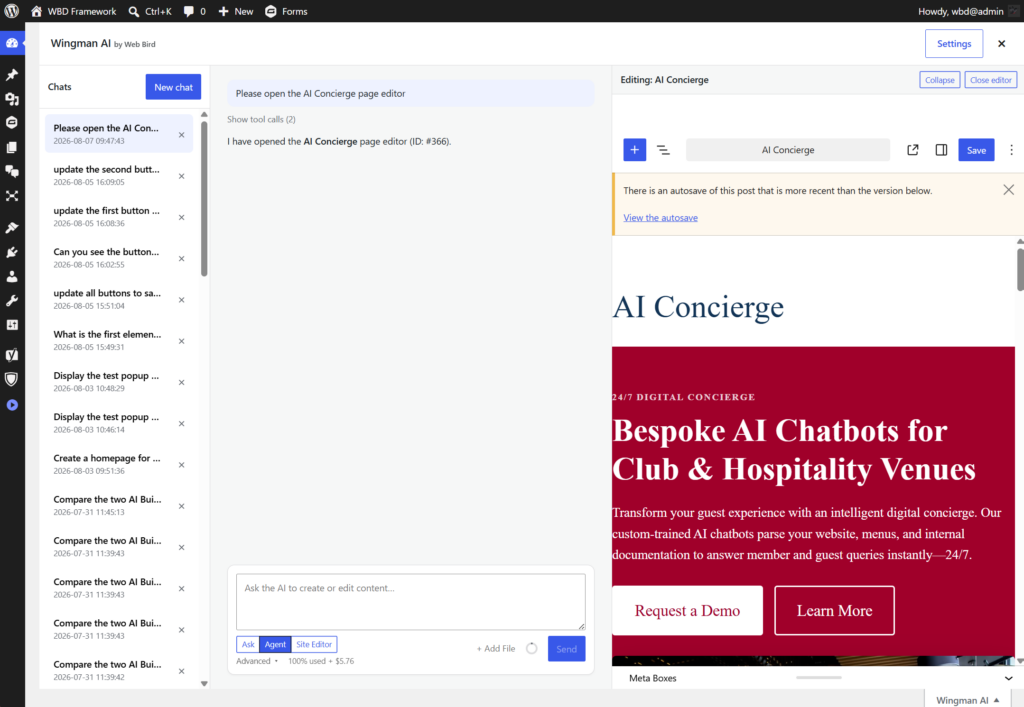
Open it from Dashboard → WingMind AI or the WingMind tab on any admin screen. Describe the job and the agent plans it, opens what it needs in a live editor beside the chat, and reports back.
- Saved chats. My Chats and, for admins, All Chats. Jobs keep running if you switch chats.
- Live editor. Watch pages and templates change block by block, then save.
- Attachments. Images, PDFs, Word documents, HTML and text files stay attached for the whole chat.
- Screenshots. The agent checks its own work on the front end after layout changes.
- Long jobs. Chats auto-compact on Claude, and a usage meter shows how much room is left.
Block editor sidebar
Edit the page in front of you
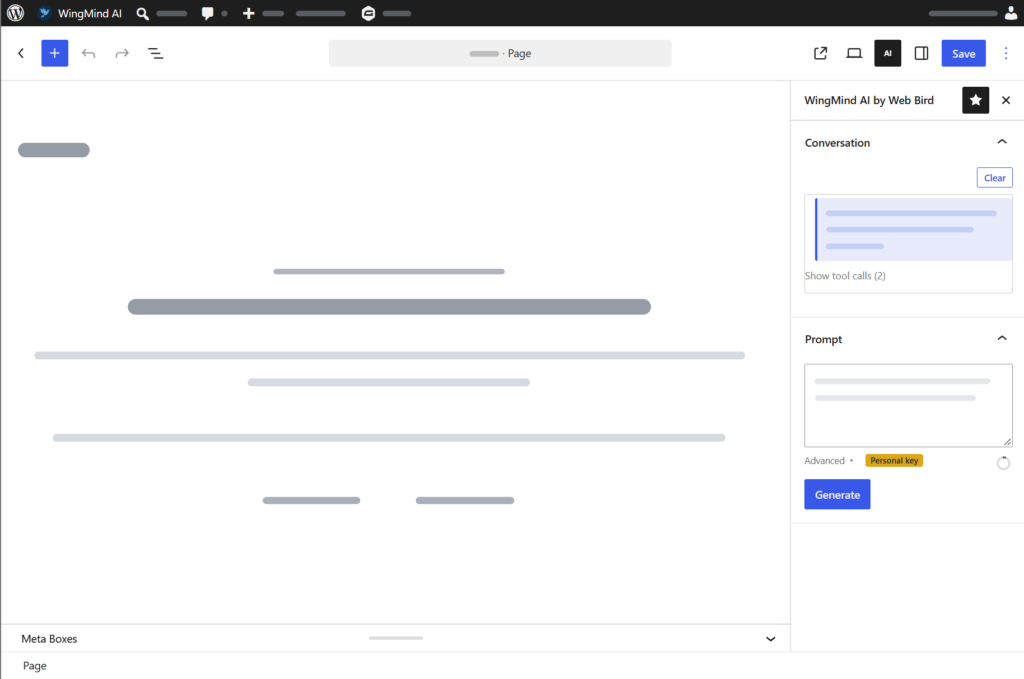
The sidebar works in the post editor and the Site Editor, in Ask or Agent mode. It knows the page you’re on, so “tighten the intro and add an FAQ” is all it needs.
- Undo last change reverts everything from the agent’s last turn in one click
- Works on posts, pages, custom post types, templates and template parts
- Classic Editor too, including ACF and other custom field boxes
New · One-click block actions
AI buttons on every text block
Click AI on any paragraph or heading: improve it, fix grammar, make it shorter, longer or simpler, translate it, or change the tone to professional, friendly, confident, formal, persuasive or playful. Compare before and after, then Accept, Discard or Undo.

New · Publish helpers
Never publish without the finishing touches
The WingMind publish checklist sits in the editor sidebar and fills the gaps before you hit Publish.
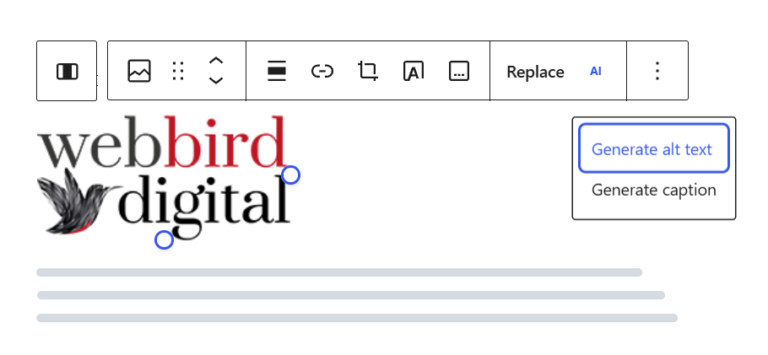
- Title suggestions and a generated excerpt
- SEO title and meta description
- Alt text and captions, optionally saved to the Media Library
- A featured image picked from the page in one click
Agent modes
You decide how much it’s allowed to do
Modes control which tools the AI is given, not just what it says. Each mode includes everything in the one before it.

Ask
Questions, audits and advice. Searches content, reads settings and takes screenshots, but can’t change a thing.
Which pages still mention our old address?

Agent
Creates and edits pages, posts, products, media, forms and terms, and asks before anything destructive.
Write a services page from the attached brochure.

Site Editor
Headers, footers, templates, navigation, global styles, widgets, and plugin, theme and core updates.
Add a phone number and button to the header.

Plan
Writes a step-by-step plan and changes nothing else. The Plan button appears when you open Advanced in the chat composer.
Plan a rebuild of the services section.
Capabilities
Over 200 tools, loaded as they’re needed
The agent works through the same WordPress functions you’d use by hand, so the results are ordinary blocks, posts and settings you can keep editing.
Content
- Pages, posts and custom post types
- Insert, move, replace and restyle blocks
- Theme patterns and synced patterns
- Categories, tags, custom fields and meta
- Scheduling, parents, authors and excerpts
- Site-wide search and find-and-replace
Design
- Templates and template parts, with revisions
- Global styles, colour and font size presets
- Install fonts, set the logo and favicon
- Navigation menus on block and classic themes
- Widgets, Customizer and Additional CSS
- Built-in design skills for layout and polish
Media
- Upload from chat attachments or a URL
- Inspect images and PDFs to describe them
- Find images missing alt text and fix them
- Update titles, captions and descriptions
Site & users
- Site title, tagline, reading and permalink settings
- Users and roles, with guards against role escalation
- Revisions for posts, templates and parts
- Write your llms.txt for AI search engines
Plugins & updates
- Search the WordPress.org directory
- Install, activate and update plugins
- Switch and update themes
- Check for and run WordPress core updates
Maintenance
- Database search-replace, previewed first
- Flush permalinks and clear transients
- List, test and run WP-Cron events
- Purge 14 popular page caches automatically
Integrations
Speaks the plugins you already run
Integration tools switch on by themselves when the plugin is active, so the agent never offers what your site can’t do.
46 tools
WooCommerce
Products, variations, attributes and categories. Orders, notes and refunds. Customers, coupons, webhooks and batch updates, plus sales, product and customer reports.
26 tools
Gravity Forms
Build forms and conditional logic, manage fields, entries, feeds and notifications, and summarise what your enquiries are telling you.
SEO
Yoast SEO & Redirection
SEO titles and meta descriptions for posts and terms, redirects and groups, and your 404 log turned into fixes.
Custom fields
ACF & metaboxes
Reads and fills the custom field boxes on your edit screens, in the block editor and the Classic Editor.
WordPress 6.9+
Abilities API
Abilities registered by other plugins become tools the agent can use, controlled by an allowlist you set.
14 caches
Cache plugins & hosts
WP Rocket, LiteSpeed, W3TC, WP Super Cache, SiteGround, Kinsta, WP Engine, Cloudflare and more are purged after each edit.
AI models
Claude or Gemini. Fast or thorough.
Pick the model for the job from the chat composer. Quick edits on a fast model, full redesigns on the most capable one.
- Thinking level from low to extra high
- Web search and page fetch built in, for research and references
- Background processing on Gemini’s Flex tier, about half the token cost for jobs that can wait
- Auto-compact keeps long Claude chats going
| Provider | Models | Good for |
|---|---|---|
| Anthropic Claude | Haiku | Quick edits and questions |
| Sonnet (default) | Everyday page building | |
| Opus | Complex, multi-step jobs | |
| Google Gemini | 3.6 Flash | Fast, low-cost tasks |
| 3.8 Flash (default) | Everyday page building | |
| Gemini 4 Argon | The most capable Gemini |
Built-in skills
Expert playbooks, one slash away
Type a skill at the start of a message and the agent follows a proven process for that job. Developers can register their own.
/design builds or restyles a page or section, screenshots it, then fixes and polishes
/design-shape plans a page brief with you before anything is built
/design-critique gives a UX critique of one page or template
/design-audit checks accessibility, responsiveness and visual quality
/design-polish tidies a page without redesigning it
/unslop strips the AI tells from copy and puts a human voice back
/seo-audit reviews settings, content and sitemap across the site
/seo-page analyses the SEO of a single page
/seo-plan and /seo-sitemap map out content and coverage gaps
On brand from day one
It writes and designs like your site, not like a robot
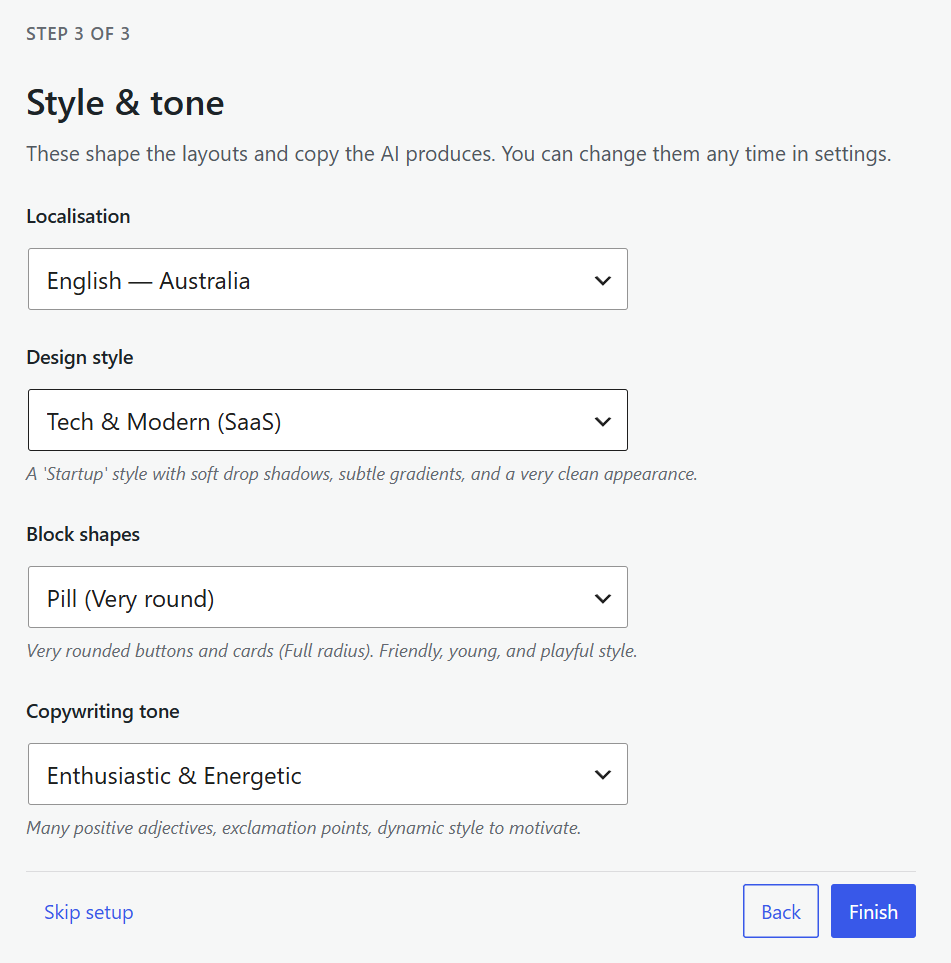
The setup wizard drafts a description of your business for you to check. Then choose how the agent should design and write, and add any house rules. Your theme’s colours, fonts and spacing are shared with the AI automatically.
- Design style: minimalist, tech and modern, corporate, brutalist, luxury or organic
- Block shapes: sharp, soft, rounded or pill
- Tone: professional, friendly, persuasive, educational or enthusiastic
- Spelling: Australian English by default, and replies in your site’s language